How To Use A Computer Masterclass (Windows 11 Edition)
From Zero Experience → Confident, Skilled, Job-Ready Computer User
Never Used a Computer Before? Start Here.
Go from complete beginner to confident, independent computer user—even if you’ve never touched a keyboard.
✔ No experience needed
✔ Step-by-step, beginner-friendly lessons
✔ Real-world skills for everyday life and work
By the end of this course, you will confidently use a Windows 11 computer for personal, academic, and professional success.
— everything a 21st-century computer user must know.
Playlist
0:16
Level
Beginner – Intermediate
Duration
Self-paced · Lifetime access
Languages
Create in 20+ languages
Access
Instant start · Updates included
What you will learn
By the end of this course, you will be able to:
Computer Basics
- Understand how a computer works
- Use keyboard and mouse with confidence
- Navigate the Windows 11 interface easily
File Management
- Create, save, organize, and find files
- Use folders like a professional
- Avoid losing important documents
Internet & Online Skills
- Browse the internet safely
- Use Google effectively
- Create and manage email accounts
- Attend Zoom meetings and online classes
Digital Safety
- Protect yourself from scams and viruses
- Create strong passwords
- Understand online privacy
Cloud & Modern Tools
- Use Google Drive and OneDrive
- Access your files anywhere
- Share documents easily
AI & Productivity Tools
- Use AI tools like ChatGPT for learning and work
- Write documents faster
- Increase productivity with modern technology
Workplace Readiness
- Use a computer in a professional environment
- Complete online job applications
- Create basic documents and presentations
The Transformation
Before This Course:
- Confused and intimidated by computers
- Dependent on others for basic tasks
- Afraid of making mistakes
After This Course:
- Confident and independent
- Able to use a computer for daily life and work
Ready for jobs, online opportunities, and digital communication
This Course Is Perfect for You If…”
- You have never used a computer before
- You feel nervous around technology
- You want to learn step-by-step without confusion
- You want real skills—not theory
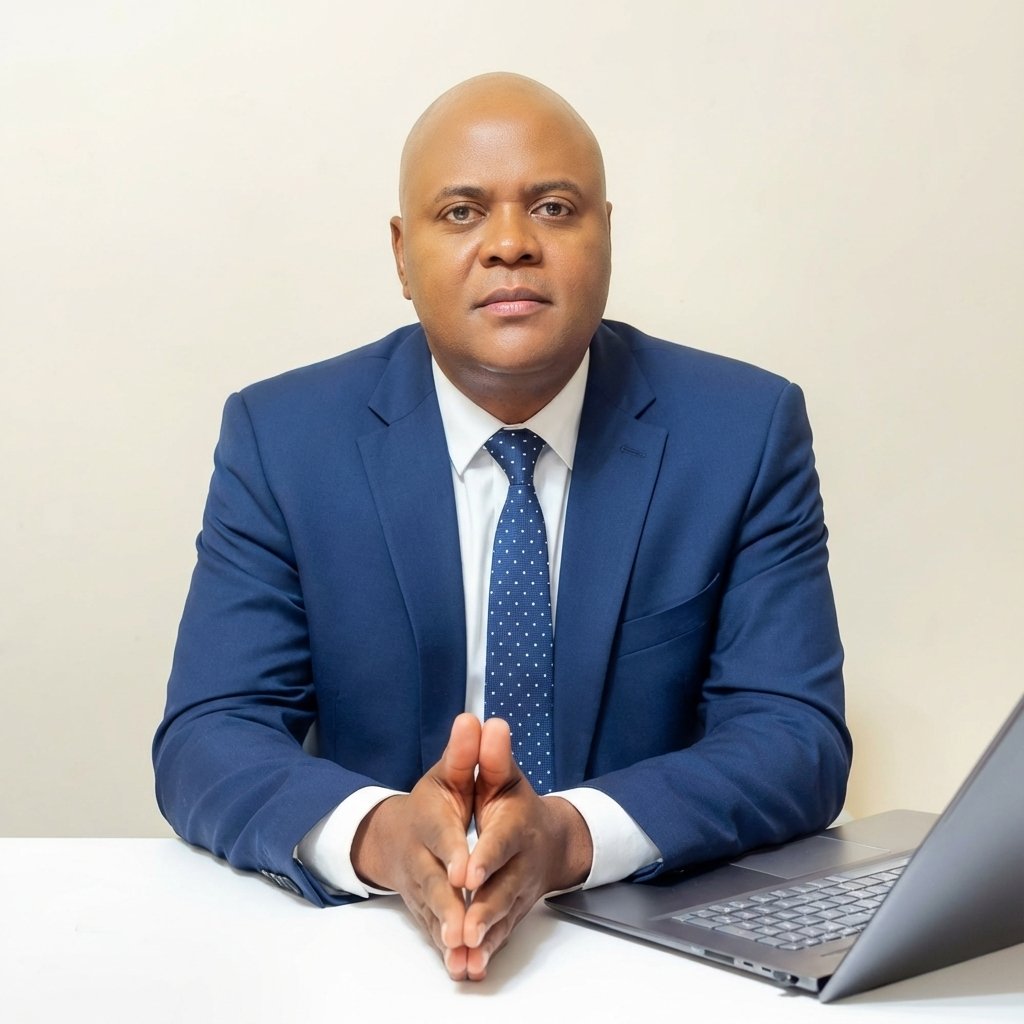
Daniel Igomodu, MBA
Educator | Author | Digital Skills Coach | Multilingual Expert
Meet Your Instructor
Daniel Igomodu is a highly experienced technology educator with a Master’s Degree in Information Technology and a passion for helping everyday people confidently navigate the digital world.
With years of hands-on experience teaching beginners, Daniel specializes in breaking down complex technology into simple, practical, step-by-step lessons that anyone can understand—regardless of age, background, or experience level.
He is the founder of a global learning platform dedicated to equipping students with real-world digital skills for personal growth, career advancement, and financial independence.
Through his courses, Daniel has helped students:
- Overcome fear and confusion around computers
- Build confidence using modern technology
- Develop job-ready digital skills
- Unlock opportunities in today’s digital economy
His teaching style is clear, patient, and beginner-friendly, making even the most complex concepts feel simple and achievable.
“My mission is simple: to help you move from confusion to confidence, and from limitation to opportunity—using the power of technology.”